pip install hexalate
Python 3.8+ · MIT License
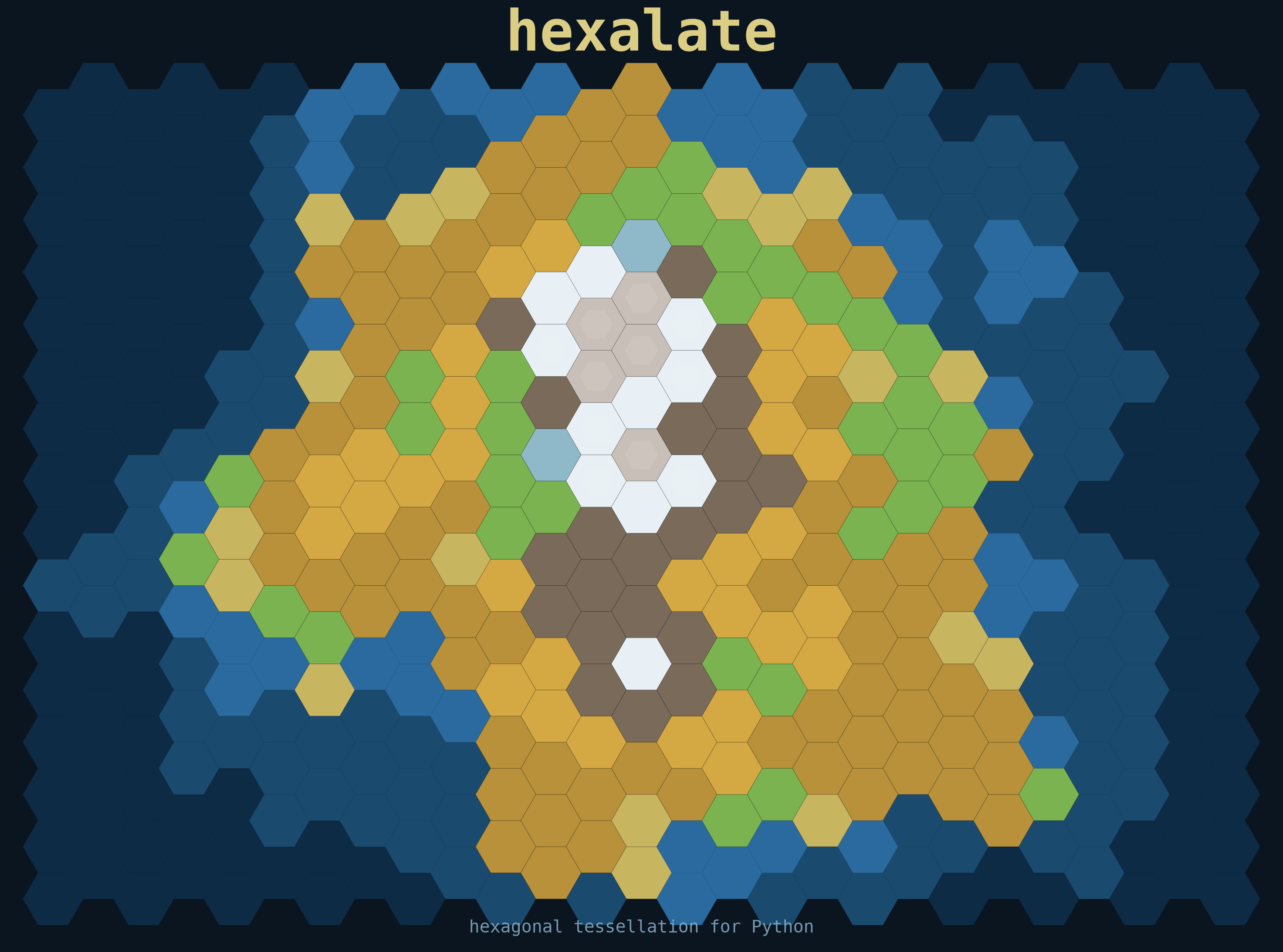
hexalate is a Python library for generating hexagonal tessellations. It gives you flat-top or pointy-top hex grids with axial coordinates, neighbor lookups, colormap heatmaps, GeoJSON and DataFrame export, and a ready-to-use CLI. The hero image above was generated with hexalate itself.
HexGrid class
Create and iterate grids. Flat-top or pointy-top orientation.
Axial coords
Every hex has q, r, s cube coordinates, distance, and neighbor lookups.
Colormap heatmaps
Pass a values list and any matplotlib colormap to visualise data.
DataFrame export
to_dataframe() returns a pandas DataFrame — filter, join, analyse.
GeoJSON export
to_geojson() / save_geojson() — open in QGIS, kepler.gl, or Mapbox.
Save to file
save_to_file("grid.png") — PNG, SVG, PDF at any DPI.
Quick start
import hexalate as hx

# Create a grid and plot it
grid = hx.HexGrid(width=10, height=8, hex_size=0.5)
grid.plot()

# Flat-top orientation
grid = hx.HexGrid(10, 8, 0.5, orientation="flat")

# Color by data
values = [h.q + h.r for h in grid]
grid.plot(values=values, colormap="plasma", output="heatmap.png")
Axial coordinates & navigation
# Access a hex by axial coords
h = grid.get(q=2, r=3)

# Cube-coordinate distance
center = grid.get(0, 0)
h.distance_to(center)   # → int

# All 6 existing neighbors
grid.neighbors(2, 3)      # → list[Hexagon]
Export
# Pandas DataFrame  (pip install pandas)
df = grid.to_dataframe()       # columns: x, y, q, r

# GeoJSON — open in QGIS, kepler.gl, geojson.io
grid.save_geojson("grid.geojson")

# Save plot
grid.save_to_file("grid.svg", dpi=300)
CLI
# Display a grid
hexalate --width 10 --height 8 --size 0.5

# Flat-top + colormap + save to file
hexalate --width 12 --height 10 --size 0.6 \
         --orientation flat --colormap plasma --output grid.png
MCP Server — use hexalate from AI assistants
hexalate ships an MCP server so you can call it directly from Cursor, Claude Desktop, or any MCP-compatible AI tool.
Remote (no install) — hexalate.fly.dev
# Cursor / Claude Desktop — add to your mcp.json
{
  "hexalate": {
    "url": "https://hexalate.fly.dev/mcp"
  }
}
Local (via uvx — no install needed)
{
  "hexalate": {
    "command": "uvx",
    "args": ["hexalate-mcp"]
  }
}
Browser playground
Try hexalate in your browser — no install, powered by Pyodide.
Examples
| File | What it shows |
|---|---|
| distance_rings.py | Concentric rings by cube-distance from center |
| wave_heatmap.py | sin × cos function mapped over the grid |
| game_board.py | Catan-style island board with terrain types |
| checkerboard.py | Perfect 3-coloring via q mod 3 |
| geojson_export.py | Full grid + filtered zone to GeoJSON |
| dataframe_analysis.py | Pandas filter, custom metrics, re-plot |