
ANIMUS
Real-time audio visualizer
Transform your music into mesmerizing visuals.
Visualize Spotify, Apple Music, or any audio source.
Three Visualizers
Each mode offers a unique perspective on your audio
Vortex
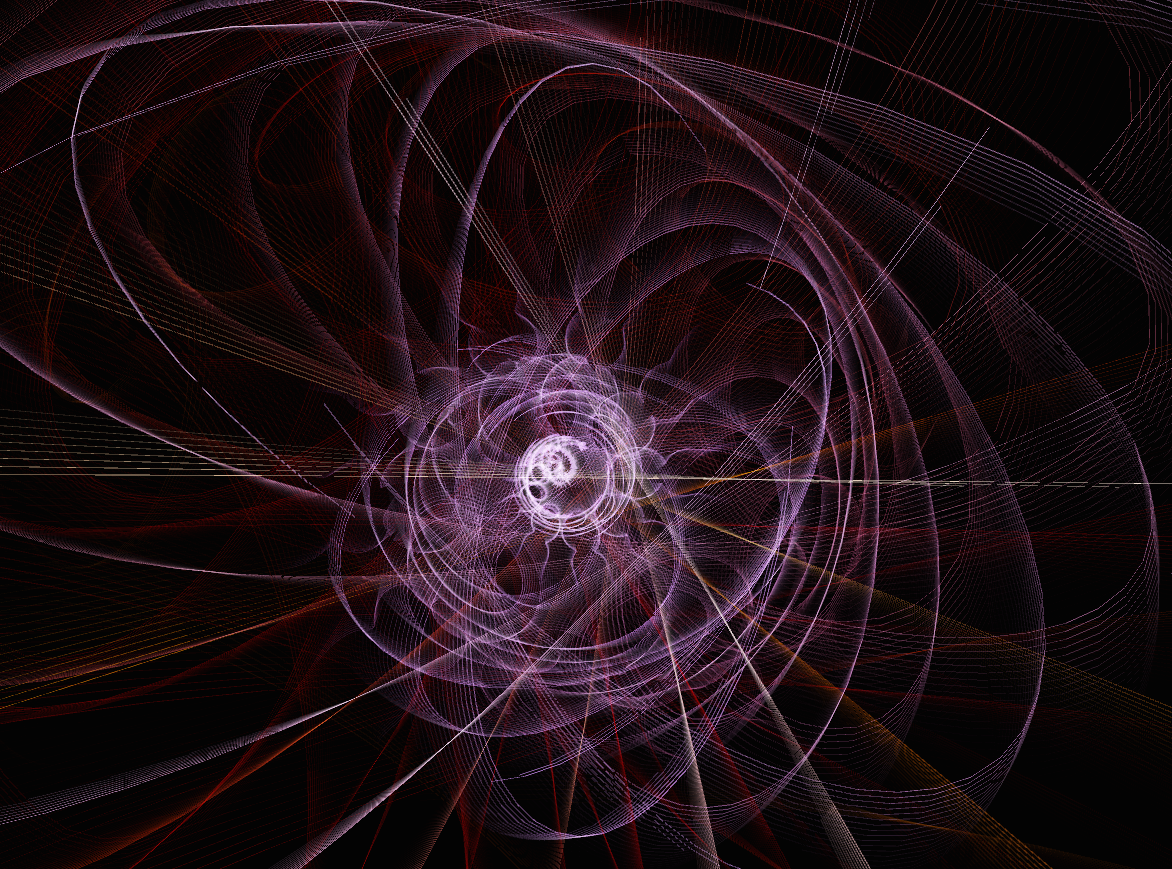
Spiral visualization with rotating frequency bands that pulse and flow with your music.
Terrain
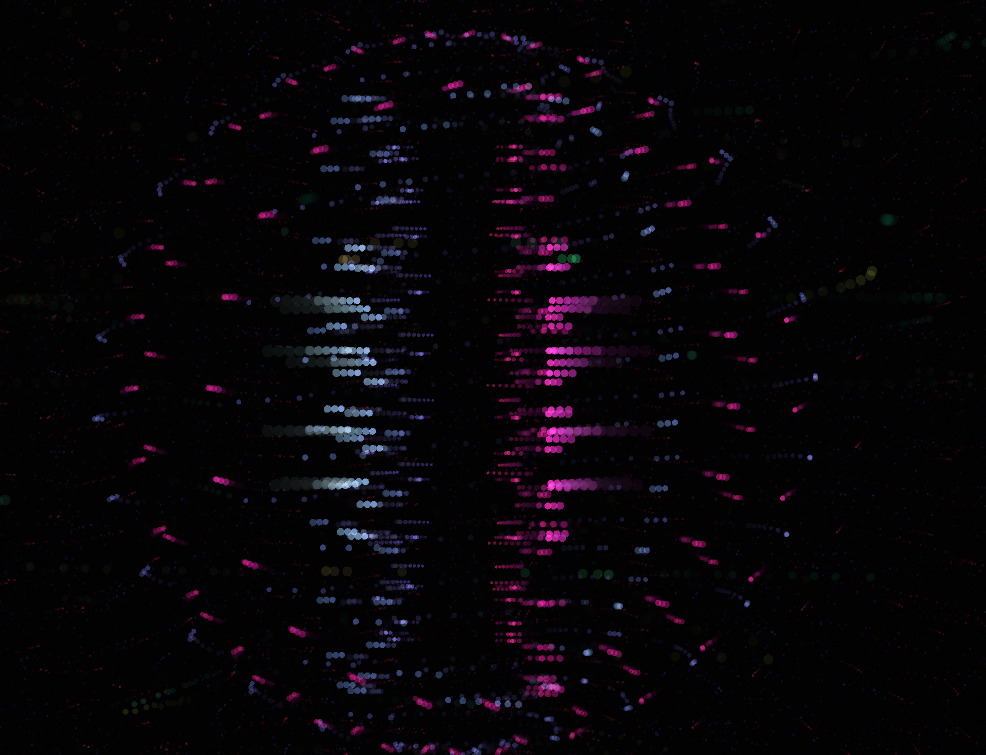
3D wave grid that transforms audio frequencies into a dynamic mountain landscape.
Droplet
Concentric rings that ripple outward with every beat, creating hypnotic patterns.
Visual Effects
Layer effects to create your perfect visual experience
Gallery
See Animus in action


System Audio Setup
Visualize Spotify, Apple Music, or any app on macOS
Get a Virtual Audio Device
Use one of these tools to route audio:
Set System Input
Open System Settings and configure the virtual device:
System Settings → Sound → Input Select your Loopback or BlackHole device as the input source
Launch Animus
Start the visualizer and play some music. The audio will flow through!
Ready to visualize?
Download Animus for macOS and transform your music into art.
Or build from source: View on GitHub